
The way to the clinic, on the patient’s phone
However well the hospital map sign is designed, it is worth thinking about the next step. What happens when the visitor sets off?
What problem are we actually solving?
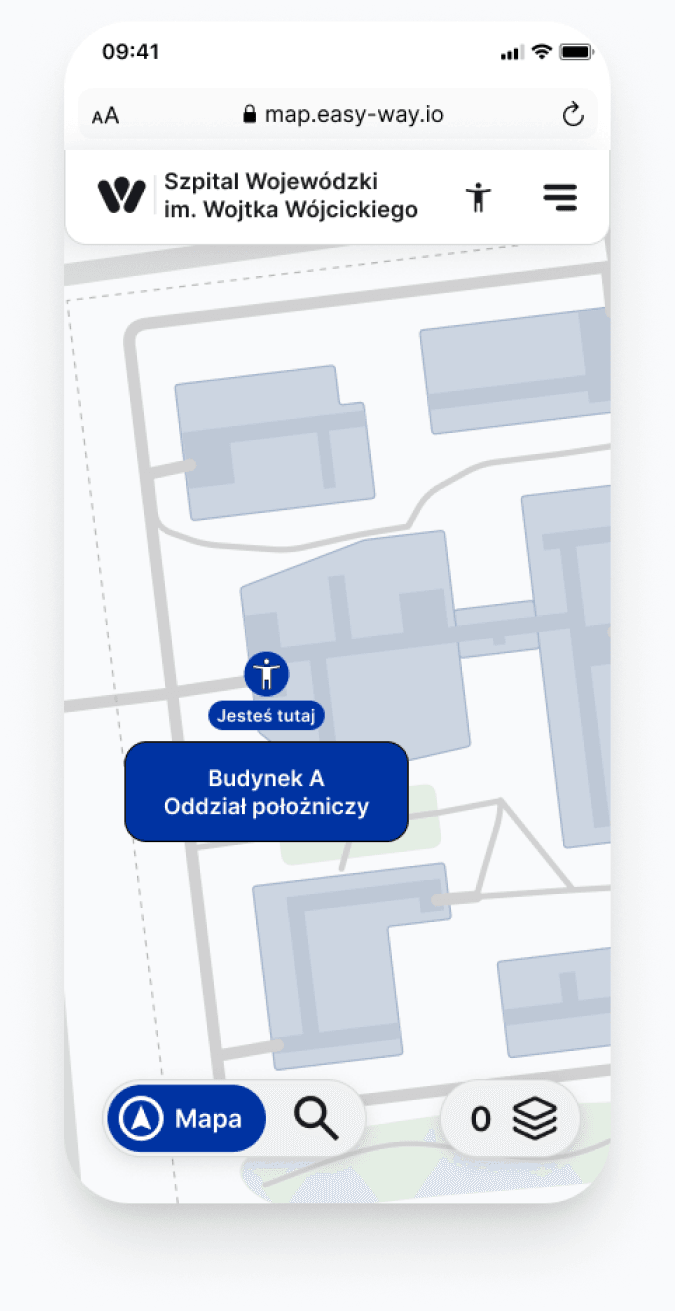
Let’s think for a moment about the people who visit a hospital
They are usually under stress and want to reach their destination quickly. Some are middle-aged, some are in varying states of health. And that is before the many other factors that can make it hard for them to get around.
A clear hospital map helps them work out where to go.
The problem starts when the patient sets off.
With well-designed signage, patients cope. What if it is missing?
 The patient quickly forgets the way
- They stop staff in the corridor to ask where to go.
- Frustration grows with every step.
We solve the wayfinding problem
in several ways. We ran a series of studies and interviews that showed us more clearly what we can do better.
Planning the route to the clinic starts at home
People planning a hospital visit check the website first. It often has guides on “what to bring to hospital”.
Why not use that space to help patients find their way around the hospital?
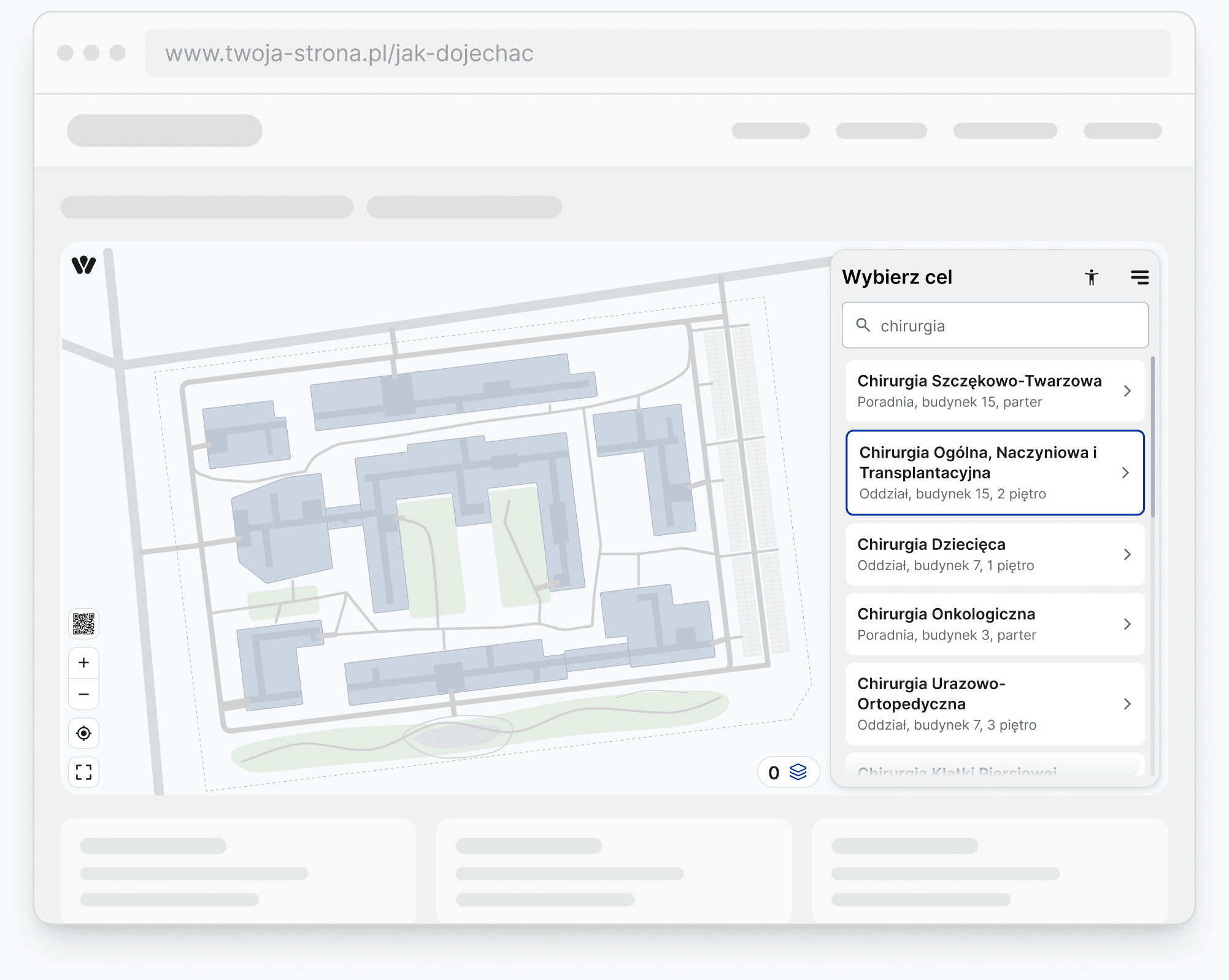
A map widget on your hospital’s website
This way the patient can plan the trip to a specific ward, see where to park and which building to head for.
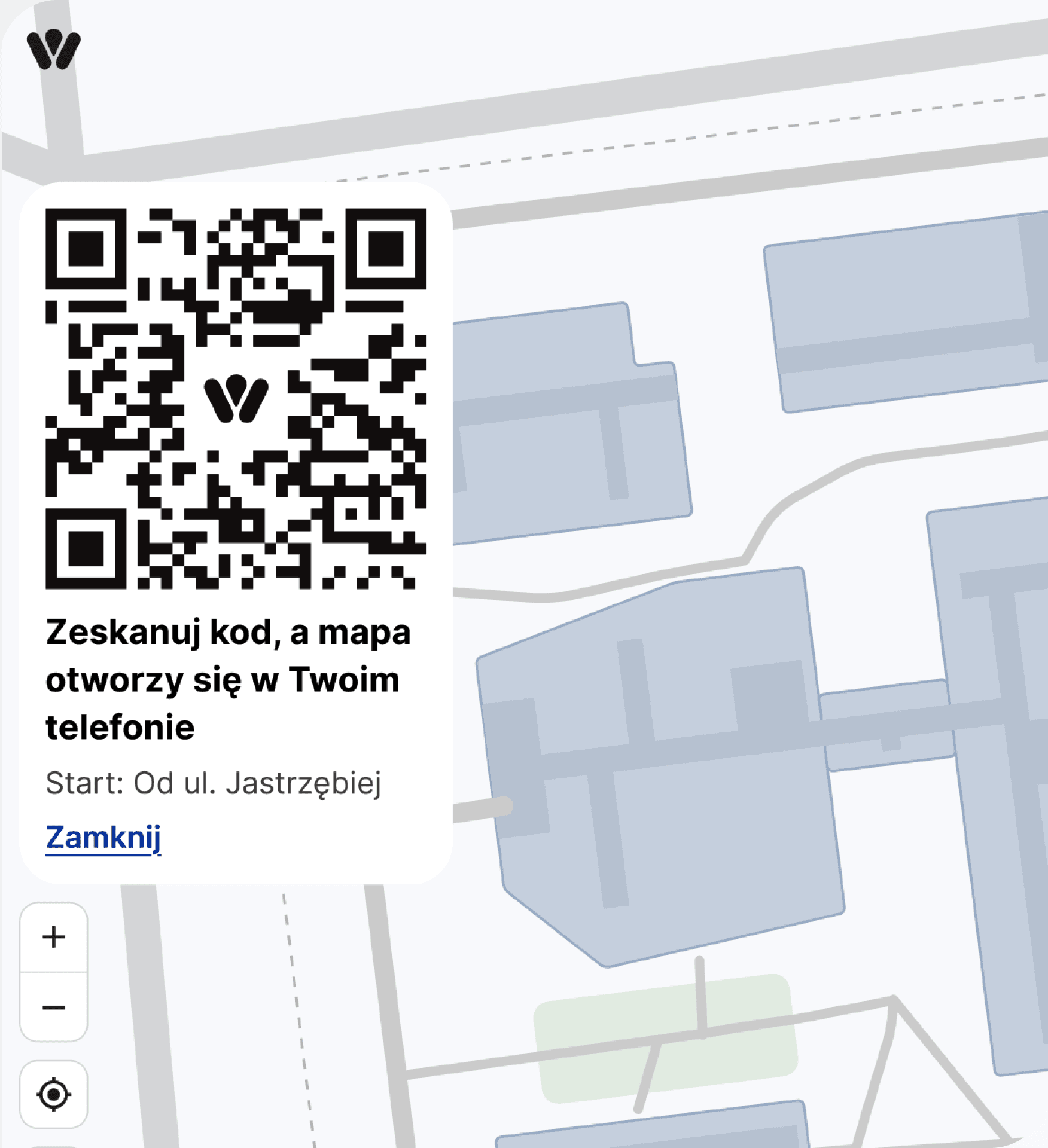
Patients can take the hospital map with them on their phone
They just scan the code and can get used to the app well before the visit.
Your website becomes a complete guide to planning a hospital stay.
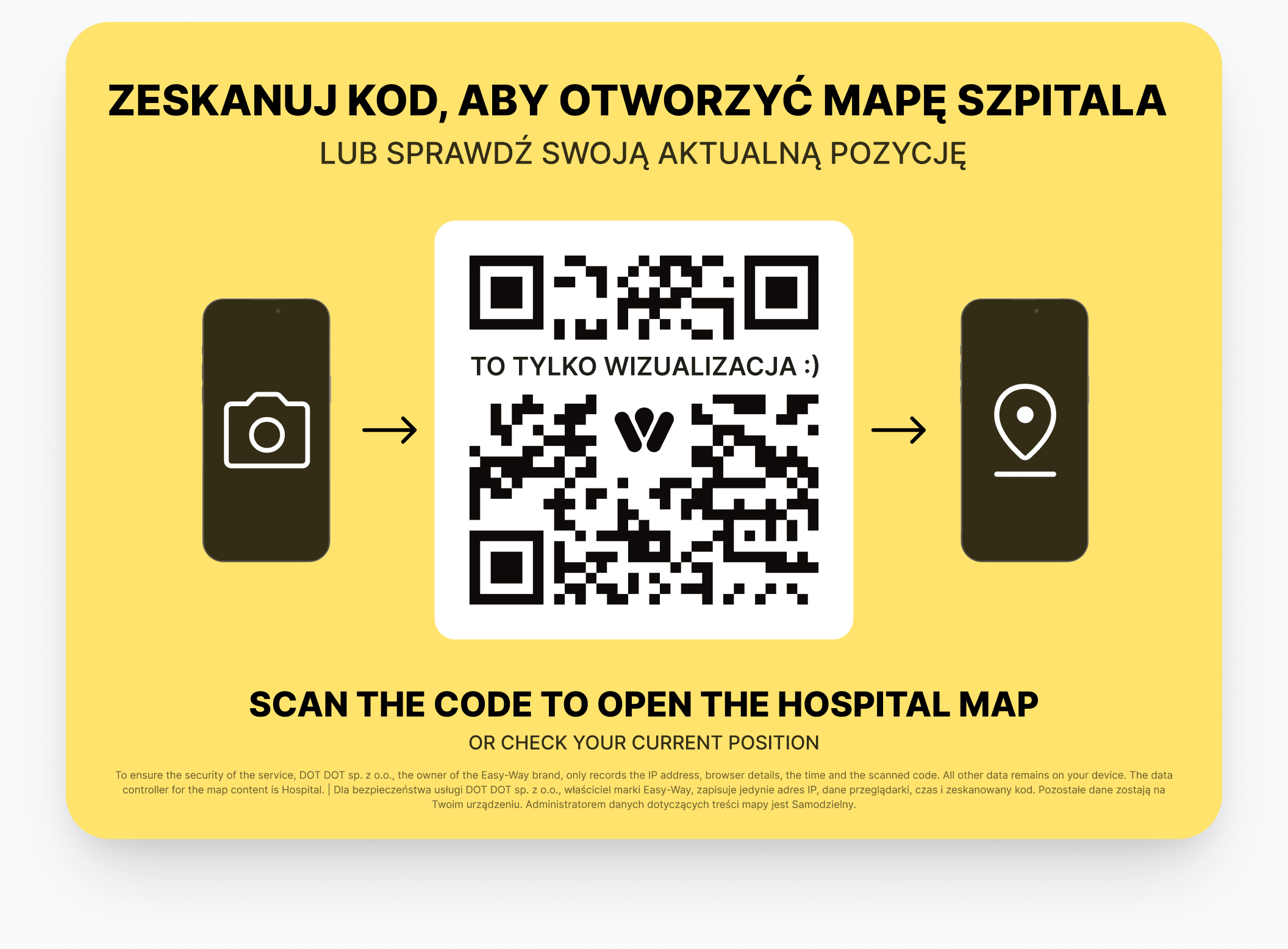
When visitors arrive, they find code signs they already know
The QR code lets the user check their current position on the map. It is a great addition to the hospital’s standard signage.
In a few steps patients find their way. Even to other floors.
The app opens straight in the phone’s web browser, so patients do not need a Google Play or App Store account to use the map.
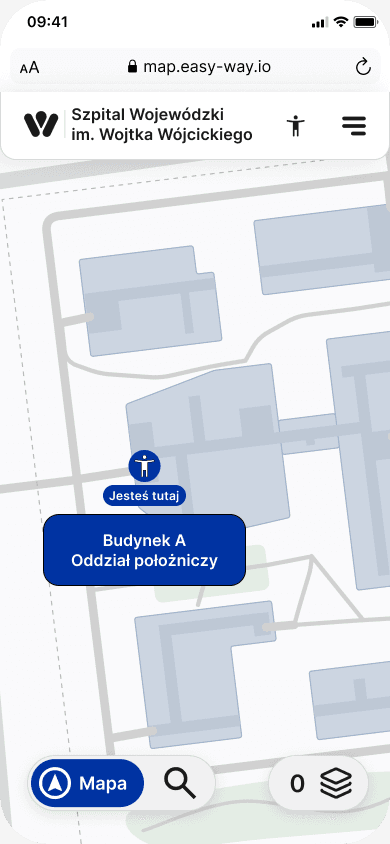 Step 01
“I know where I am”
Once opened, the app shows the current location.
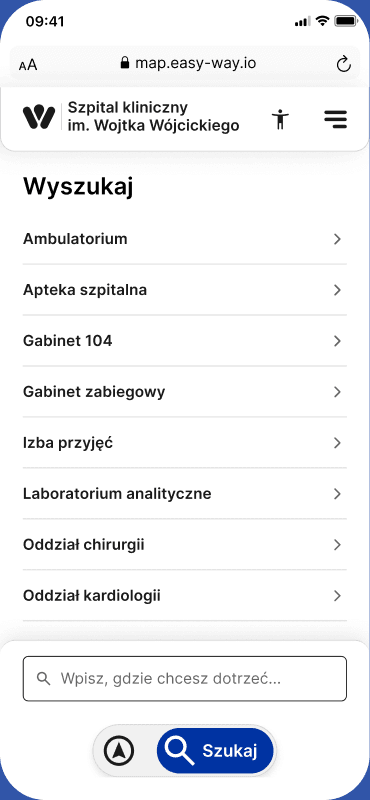 Step 02
“I know where I can go”
An extra search helps find the way more easily.
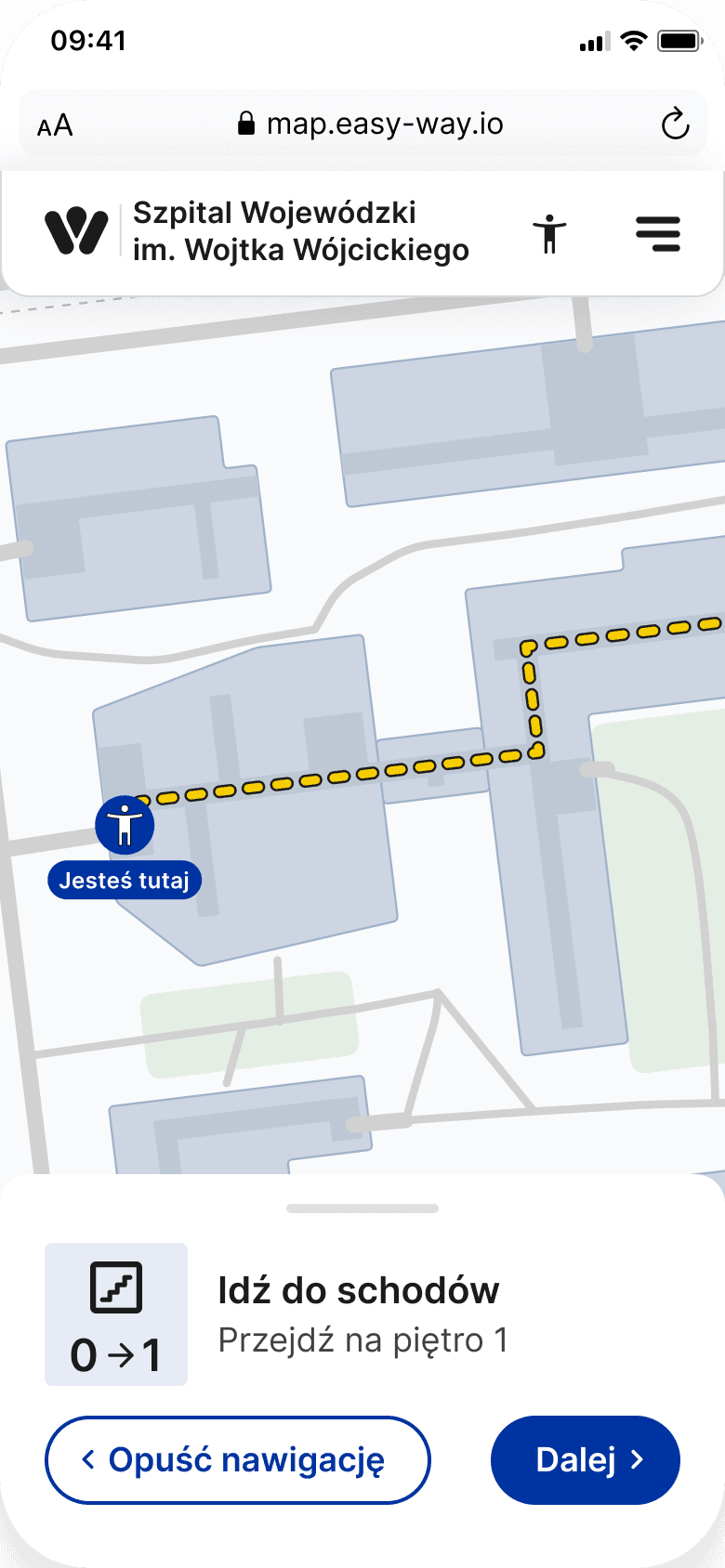 Step 03
“I’m on my way”
The app also guides patients between floors.
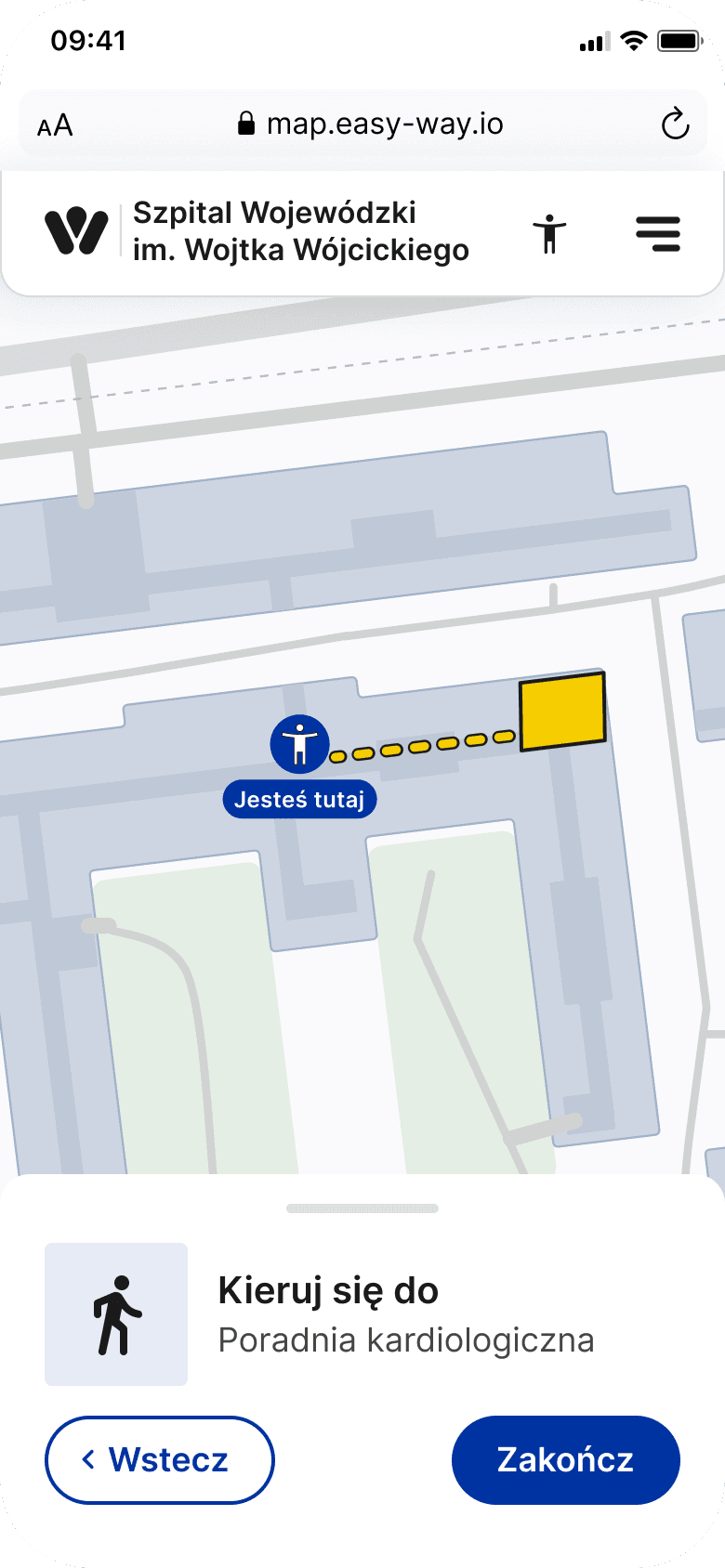 Step 04
“I’m there”
On the right floor, the patient clearly sees the destination.

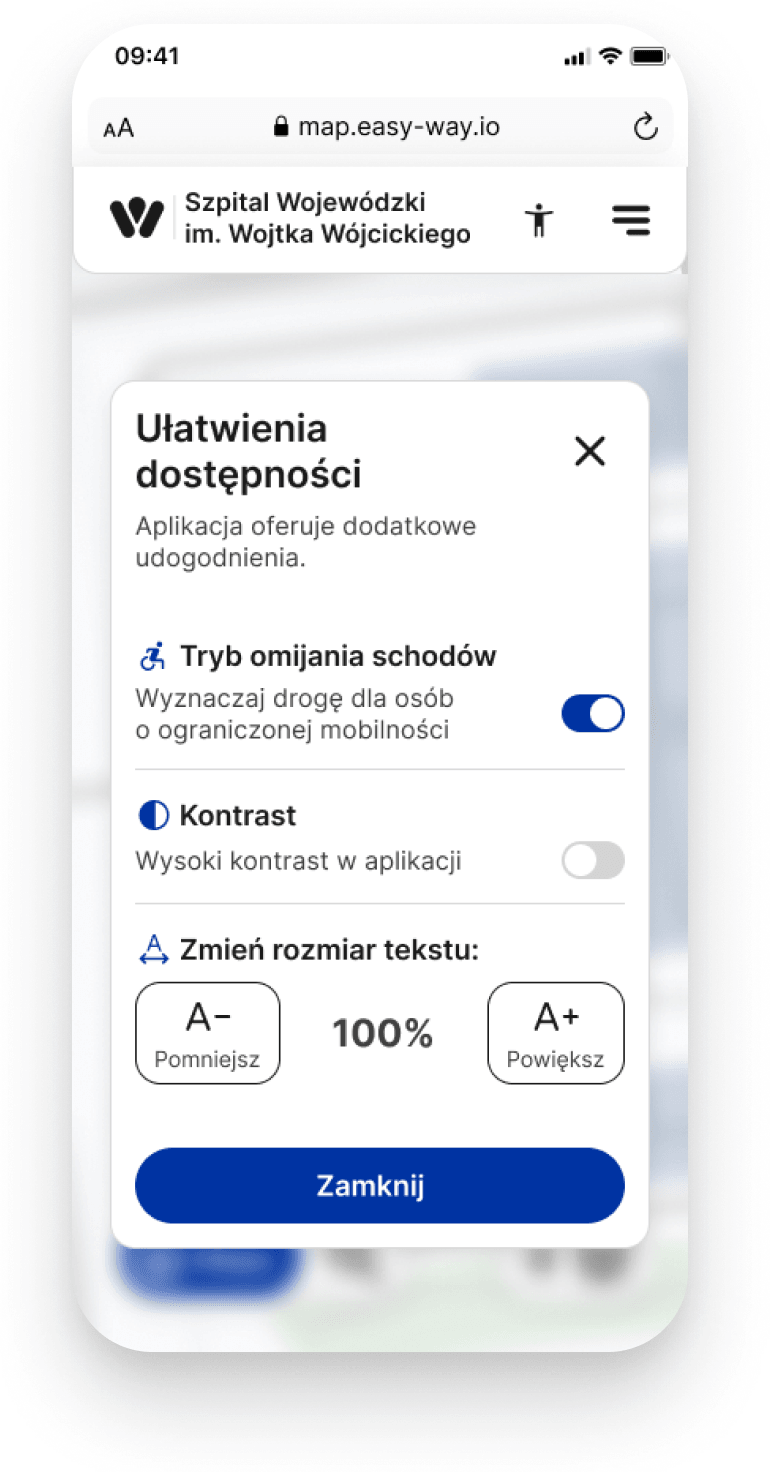
Barrier-free routes: how does the app support people with special needs?
We design and deliver Easy-Way with WCAG 2.1 AA in mind. We want the app to be as usable as possible for everyone.
High contrast in the app
Our app has good contrast by default, and this setting improves legibility even further.
Text size
Some patients use larger text on their phone. They can do the same in the Easy-Way app.
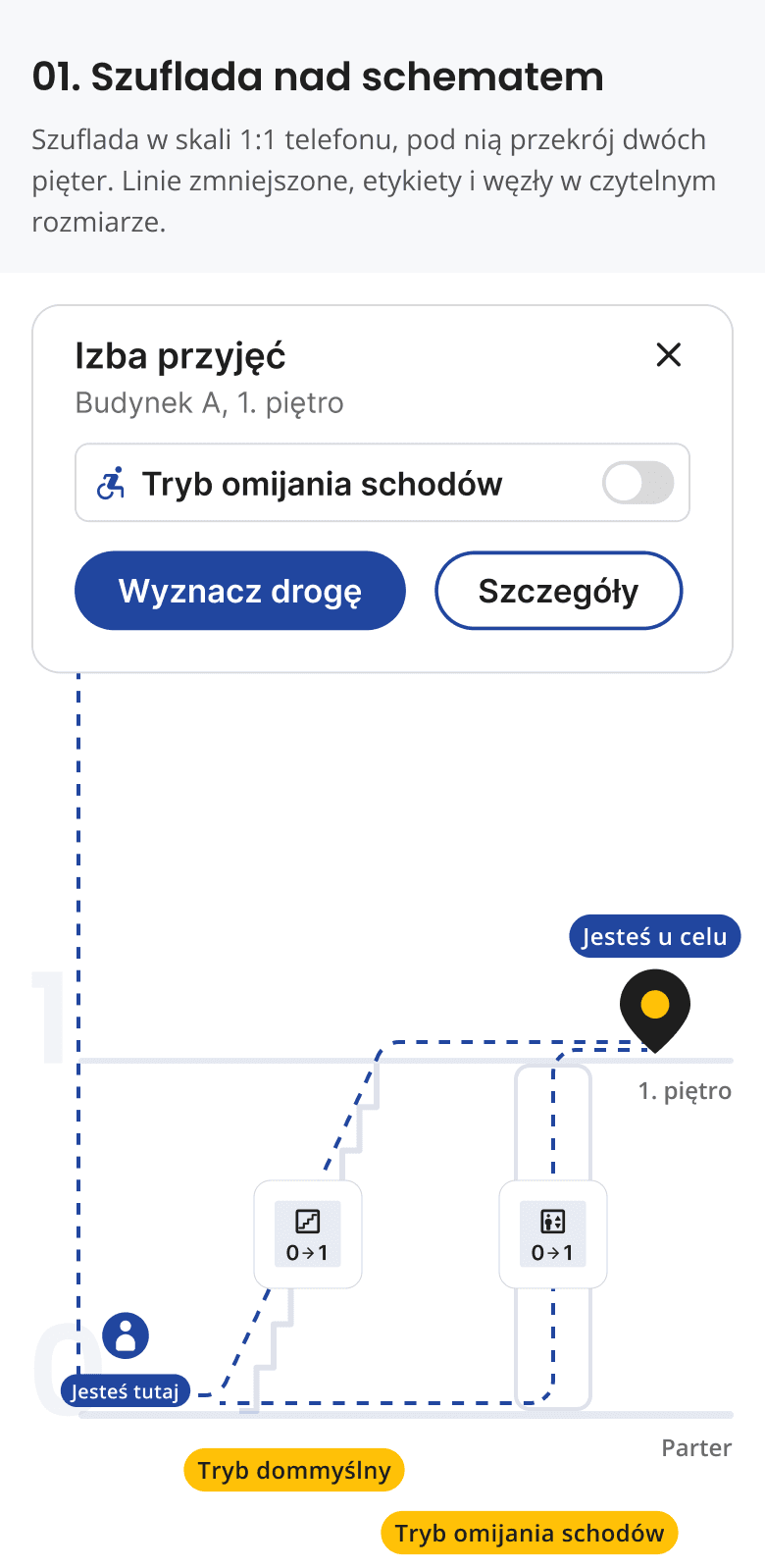
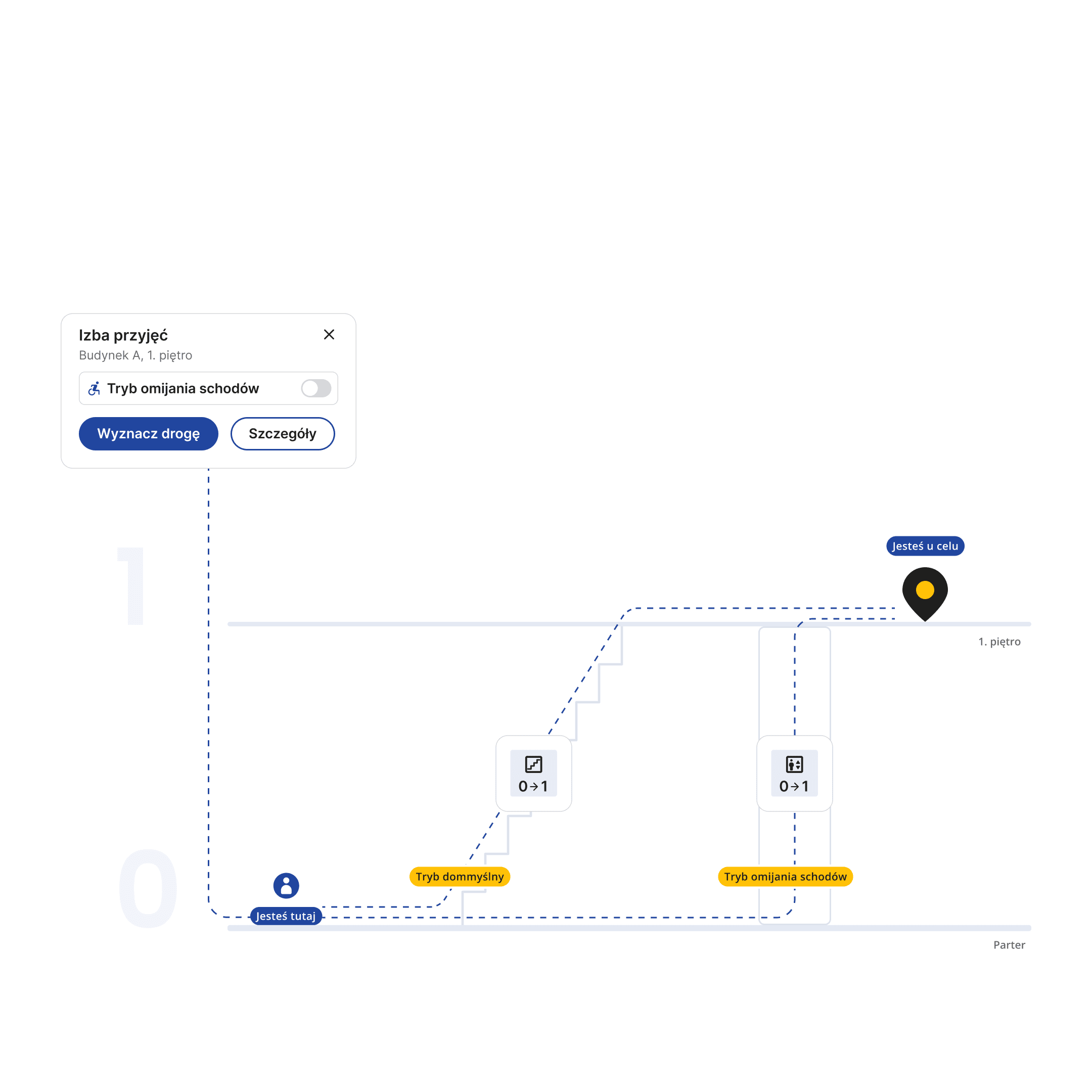
What about the route itself? We built a dedicated algorithm for people with limited mobility.
With this feature, people with special needs can plot a route that avoids stairs and other obstacles. The app finds the shortest route on its own.
Digital wayfinding in the hospital raises the standard of patient care
You can also use the map you create in other promotional materials. Another step towards a professional image for the hospital.
Why bring Easy-Way maps to your hospital?
There are many reasons, but the most important one is understanding the problem we want to solve. We are convinced that patients are not the only ones who will value the app. We know these departments value it too.
Accessibility coordinator
Quality officer
Marketing
IT specialist and data protection officer
Director

Let’s talk about how the app works in a real building
25 minutes is enough for us to agree on the key goals and then estimate the cost of implementation.
Questions we hear most often from clients
Another question? Write to usWhat if patients do not scan the codes?
Our 2026 study shows that patients open the map on their phones without difficulty. If someone does not scan a code, the map is still on the hospital website. At home they can check which building to go to and which way to take.
Who updates the map when points or their names change?
A member of hospital staff with access to the management panel. When a clinic or another point moves, they remove it from the map and add it in the new place. The change appears on the map after a few minutes.
We have good signage in the building. Do we need this kind of navigation?
In our view, no. Well-designed signage in a hospital gets everyone to where they are going. Navigation then helps mostly when patients plan the visit at home and check the map on the hospital website.
Will a digital map replace the signs in the building?
No. If the building lacks basic signage, we advise against buying our app. Invest in signage first; a digital map can complement it later.