
Easy-Way keeps people moving
Forget crowded corridors and lost guests. Our app guides visitors along the shortest route.
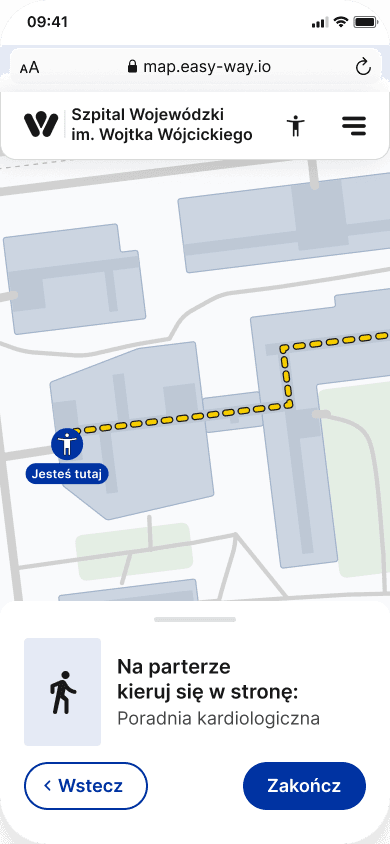
Discover modern wayfinding that takes the frustration out of getting lost in buildings. Your visitors open the map and easily find the route to where they are going.
 Servers in the EEA
 WCAG 2.1 AA
The sign at the entrance helps, but it will not take you to where you are going. You spend long minutes until you finally stop someone in the corridor and ask for directions.
Many people plan their trip at home before they go, for example to a hospital. You can make it easier by putting the map on your website.
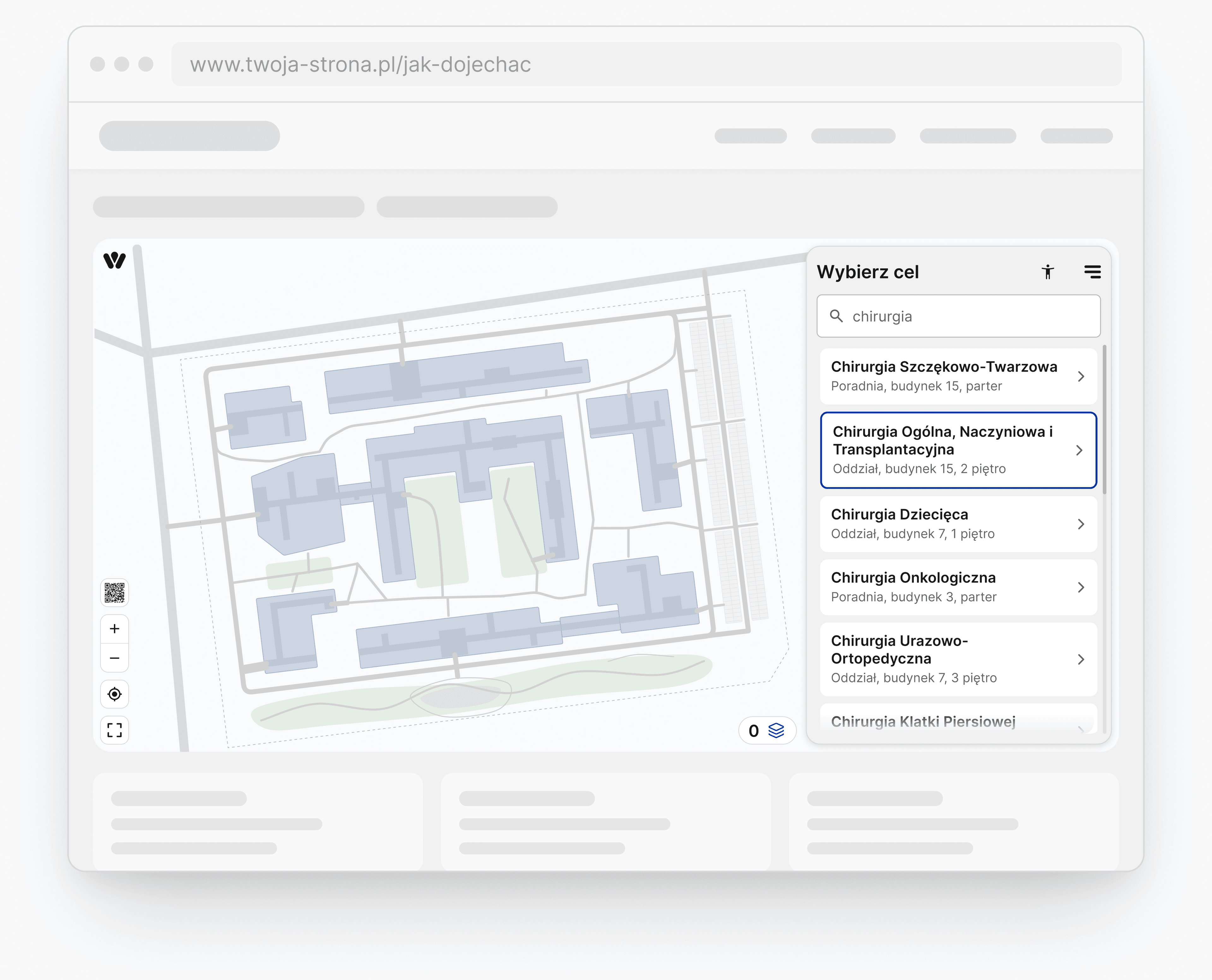
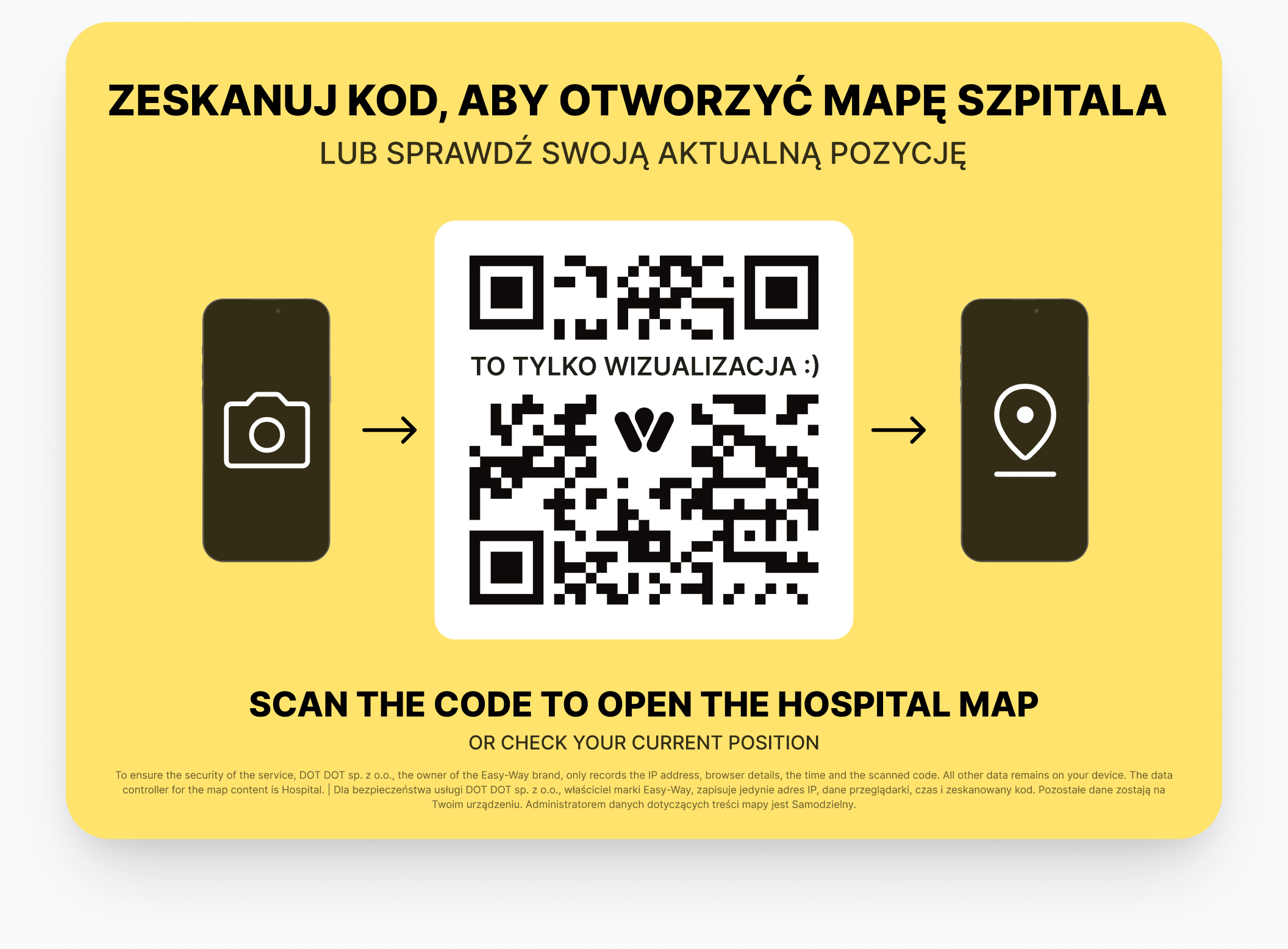
After scanning a QR code, visitors see the same map showing where they are now. A familiar interface helps them find the route quickly.
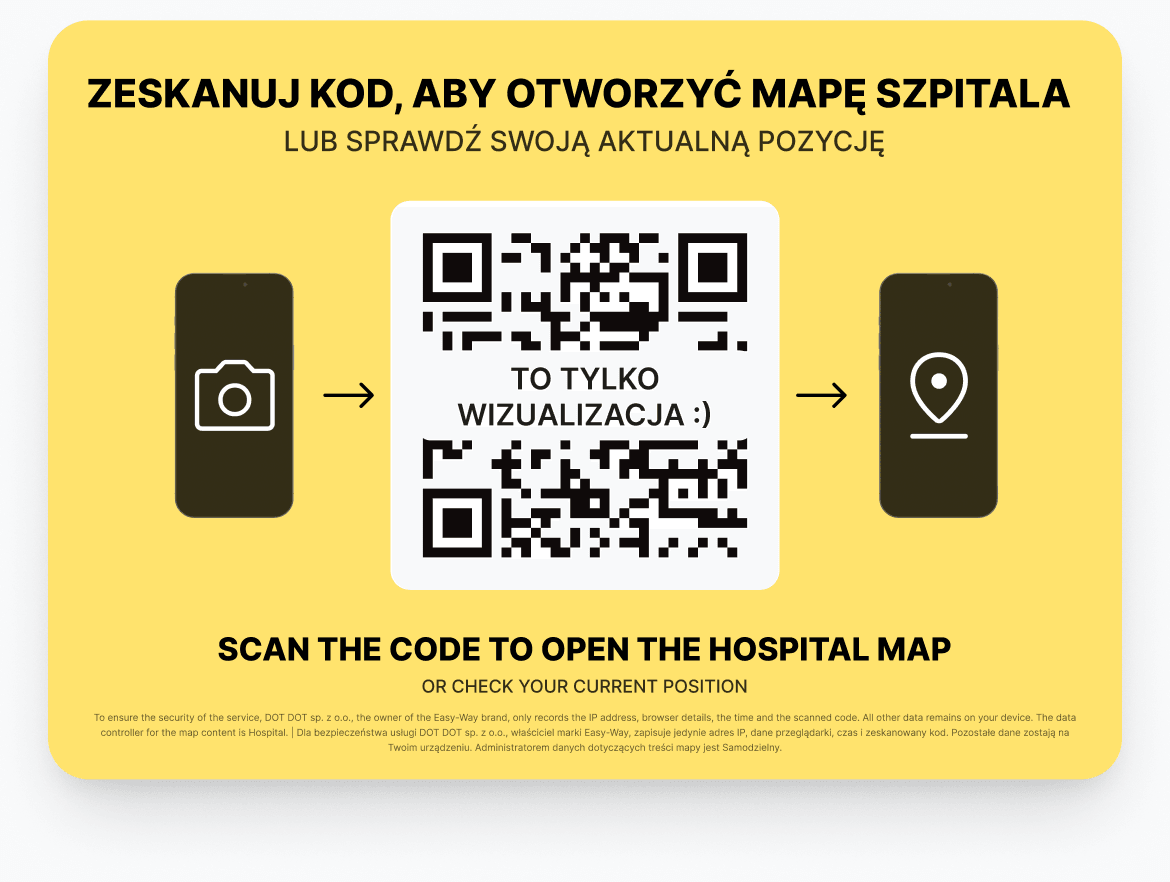
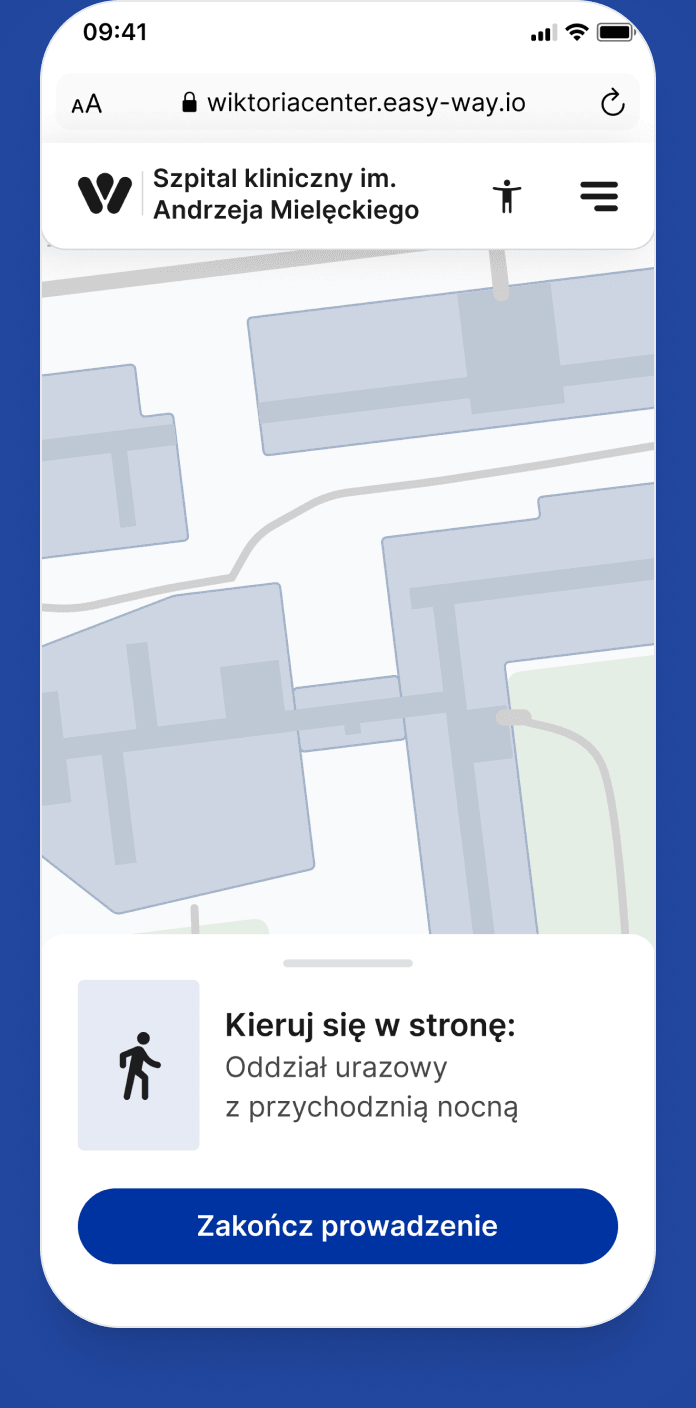
The map runs in a web browser. This means anyone can open it and find the route to their destination in just a few taps.
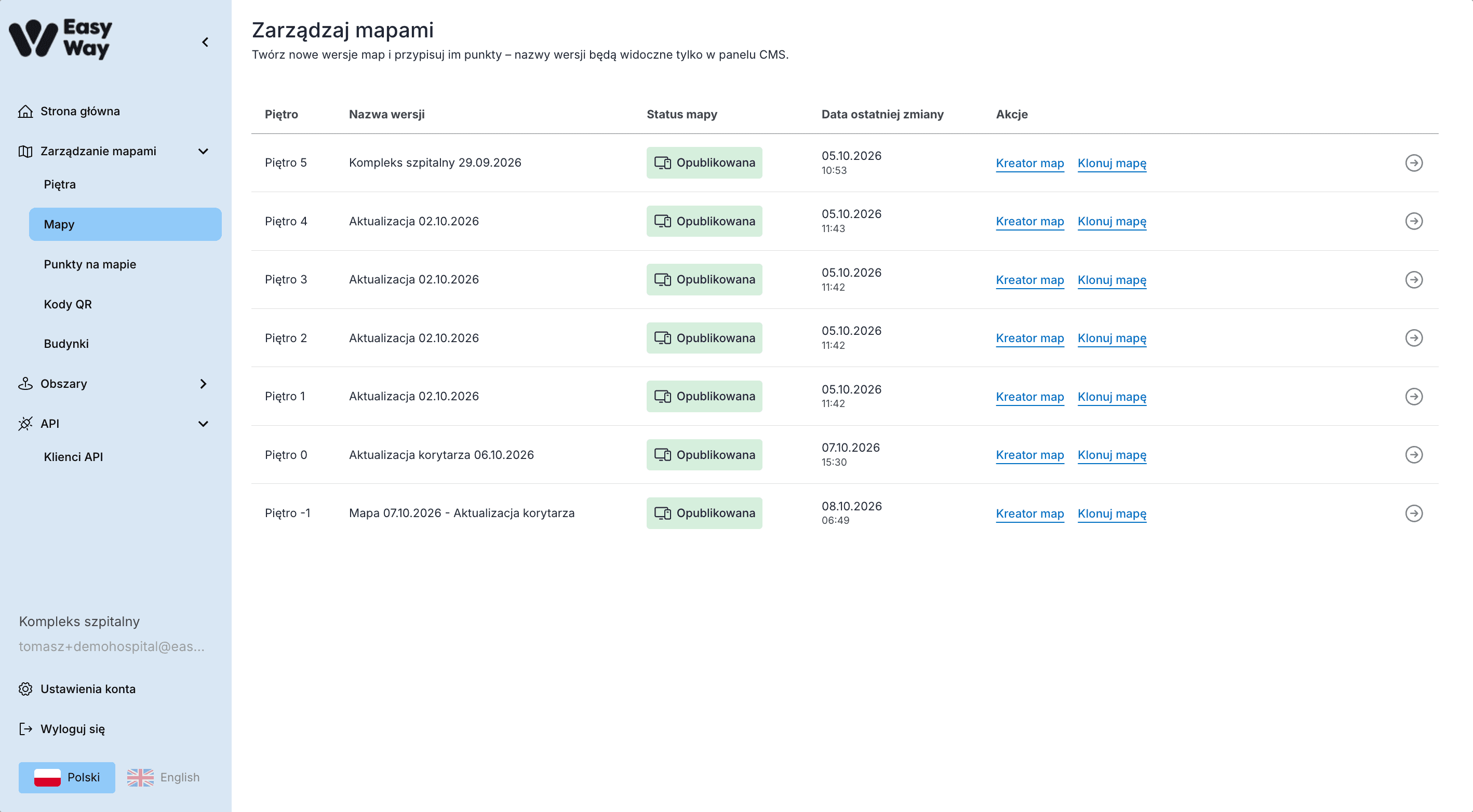
Just log in to the panel and mark “no passage”. This way you update the map yourself in the map editor, and the changes are visible within a few minutes.
As an administrator, you manage the building’s maps and floors in one panel.
Add new ones, change their names and locations. You manage the information yourself, without the IT department.
Exclude specific areas while renovation is under way. Visitors always see the latest information.
We store data on servers in the European Economic Area. We process it in line with GDPR.
There are many reasons, but the most important one is understanding the problem we want to solve. Let’s meet and talk about where else we can help you.
Forget crowded corridors and lost guests. Our app guides visitors along the shortest route.

Visitors find their way easily. Fewer repeated questions reach reception and staff.

Manage maps and routes in a simple CMS panel. Updates are quick and need no specialist technical knowledge.

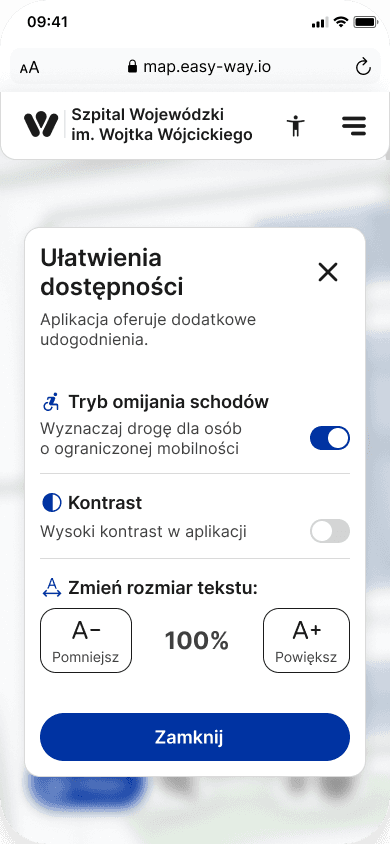
We design and deliver Easy-Way with WCAG 2.1 AA in mind. A person who cannot use stairs gets a step-free route.
Every space brings its own challenges, yet visitors behave in similar ways. In the meeting we will go through how we solved similar problems in other buildings.
No. Visitors scan a code placed in the building and the map opens in the phone browser. No beacons need to be mounted in the building.
The signs stay and keep helping. A sign stands in one place, while the map goes with the visitor through corridors and floors all the way to the destination.
You can roll out Easy-Way in two ways. On your own: you pay only the software subscription for the package you choose, Standard or Premium. Or with full implementation: you pay once for preparing the map and adding all the information to it, and after that only the subscription. You then manage the map yourself or leave it to us.
See the details on the Pricing pageWe design and deliver Easy-Way with WCAG 2.1 AA in mind. That is why the app plans step-free routes, switches on high contrast and enlarges text.

Results of our study: how visitors to hospitals and malls use wayfinding devices.
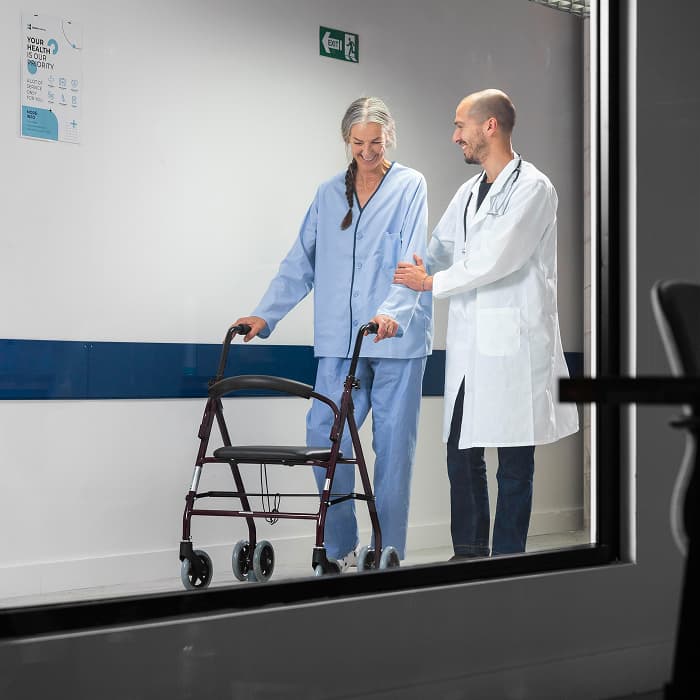
A definition, and how wayfinding differs from signage alone.
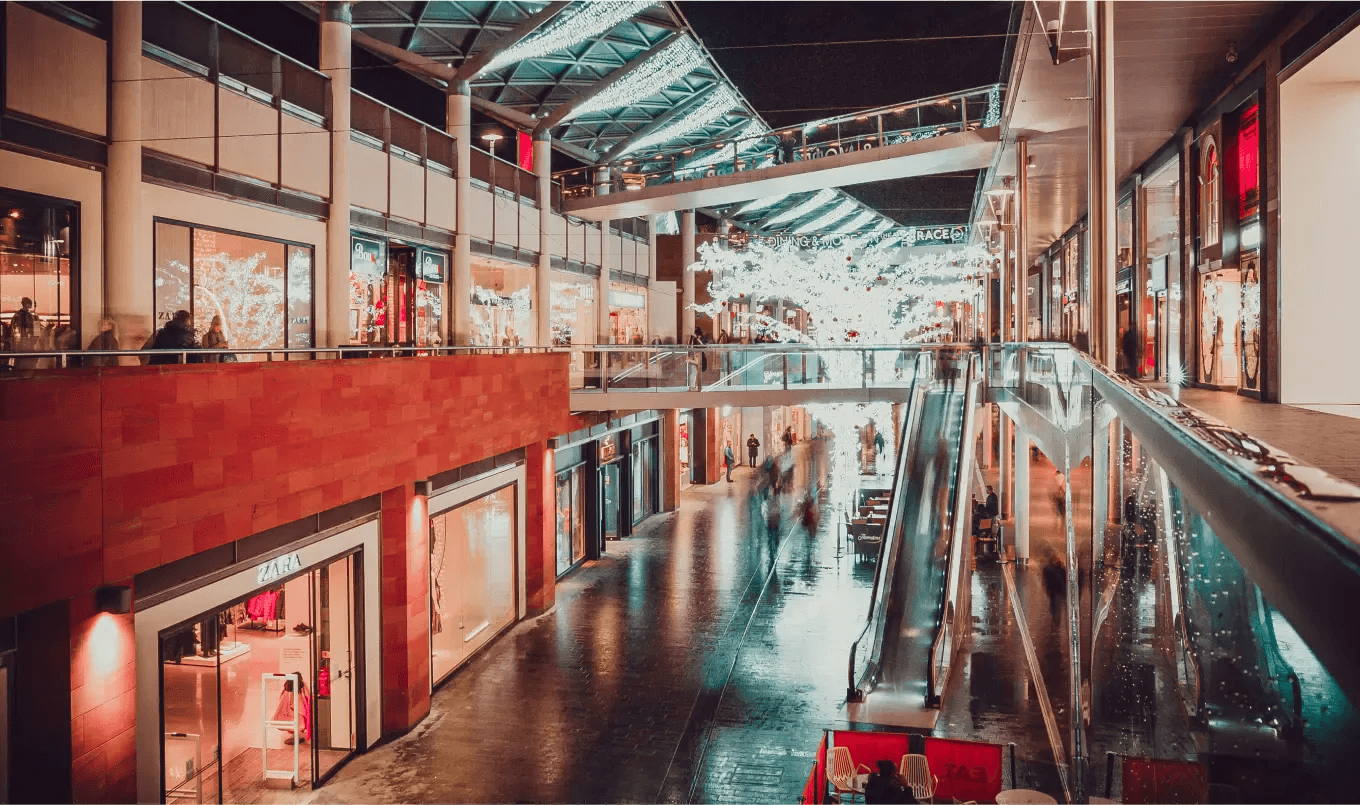
How visitors look for shops in a mall and how a digital map helps them.
Pick a time for a call and let’s talk about how we can raise the quality of guiding your visitors to their destination.